Pro Series with ColorVu 3.0
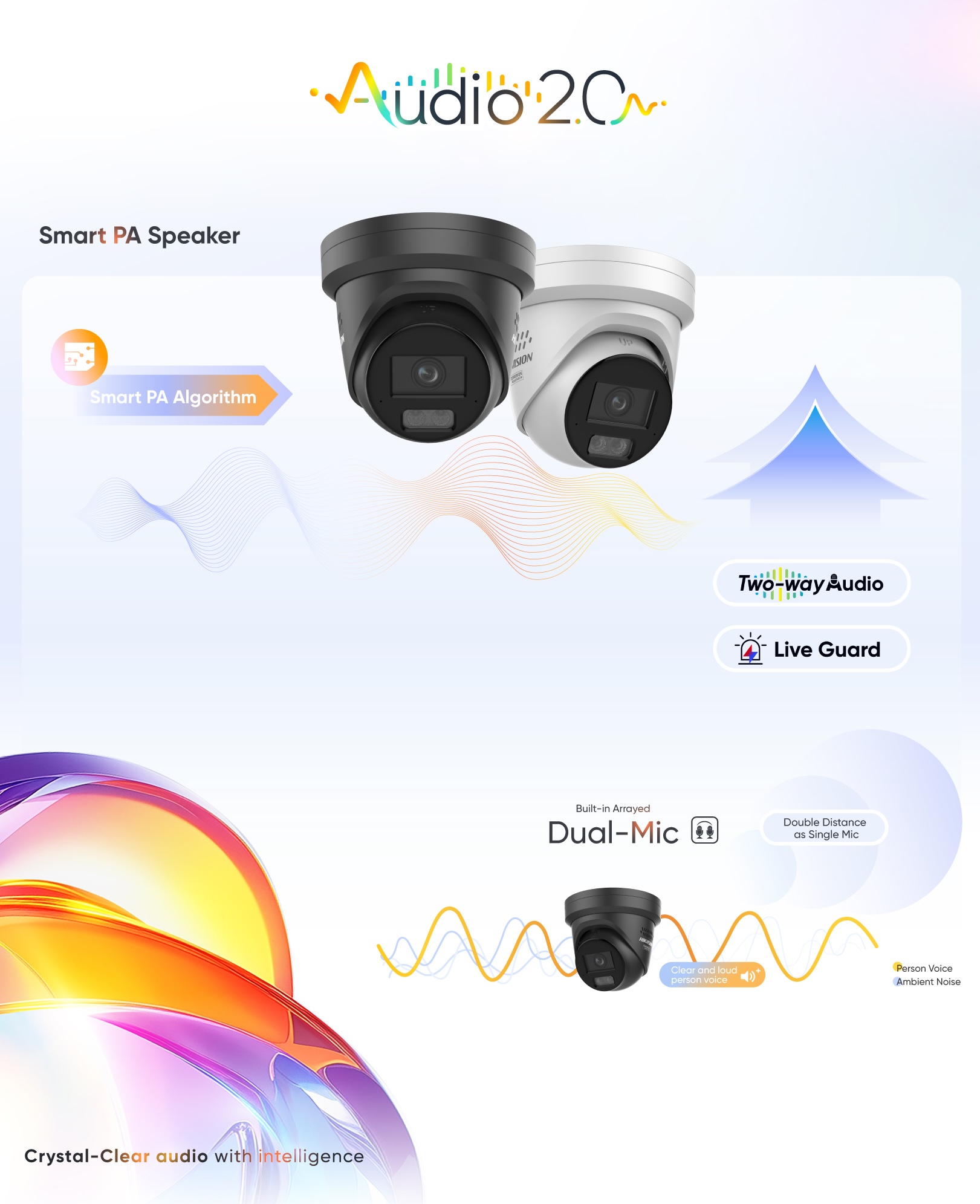
Hikvision is committed to technological innovation for a safer and smarter future. This year, Hikvision is proud to introduce the Network Cameras with ColorVu 3.0, which feature ColorVu 3.0 technology and are designed to deliver exceptional visual performance. As for intelligence, AcuSense 3.0 provides AcuSearch functions and upgraded algorithms to elevate user experience. Besides, Audio 2.0 ensures crystal-clear sound quality and achieves a more efficient communication effect. Making pro, more pro.
HikAI-ISP
- AI noise reduction brings the advantage of increased static brightness
- Powerful parameter adjustment support and professional effect testing process to ensure the algorithm's stability
- Dynamic motion trail reduction enables crystal-clear image quality even in low-light conditions
F1.0 Super Confocal Lens
Hikvision leads the industry by achieving a delicate & complex confocal effect with an F1.0 large-aperture lens, which guarantees equally sharp imaging in IR or visible light. F1.0 Super Confocal Lens is designed with precision at the micron level, allowing for master-level focus and long-lasting, high-definition images.
Smart Hybrid Light
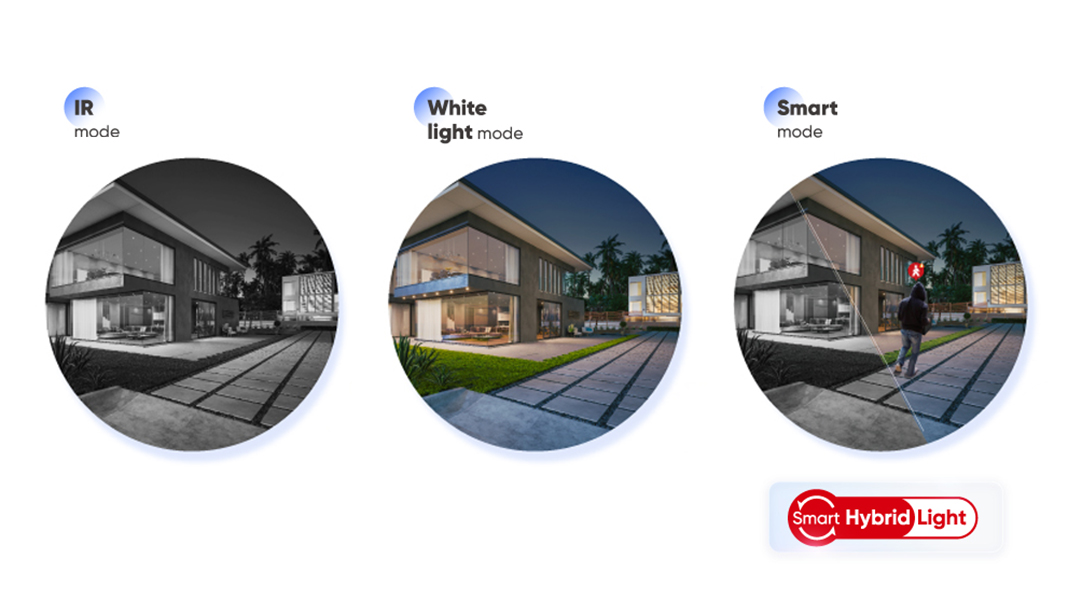
Hikvision Smart Hybrid Light allows users to select the lighting mode that best suits their requirements: IR, White light or Smart mode. In Smart mode, the network cameras maintain infrared illumination, with night vision ability in low light, until an event triggers color imaging to capture critical details.
3D LUT Color Correction
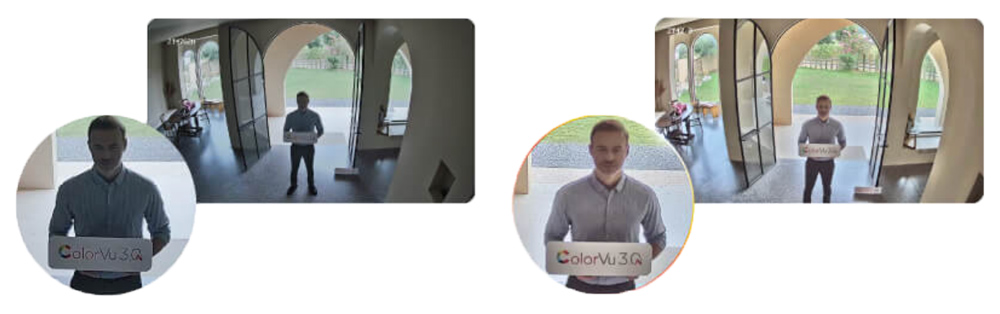
Accurate color calibration and delicate color matching enhance low light image brightness and restore the true color of things, making night-time footage captured by EasyIP security cameras as brilliant as the daytime
AI WDR
Improved AI WDR enables bright areas of an image are not overexposed, while details in dark areas will not lost. AI WDR allows the security cameras to determine whether to turn on or off WDR function according to the brightness of the scenario, without the need for manual adjustments