
Omada Network 6.0
Omada Network 6.0
New Intuitive Experience for Faster Troubleshooting and Precision O&MAll-New Dashboard Framework — A Smarter Interactive Experience
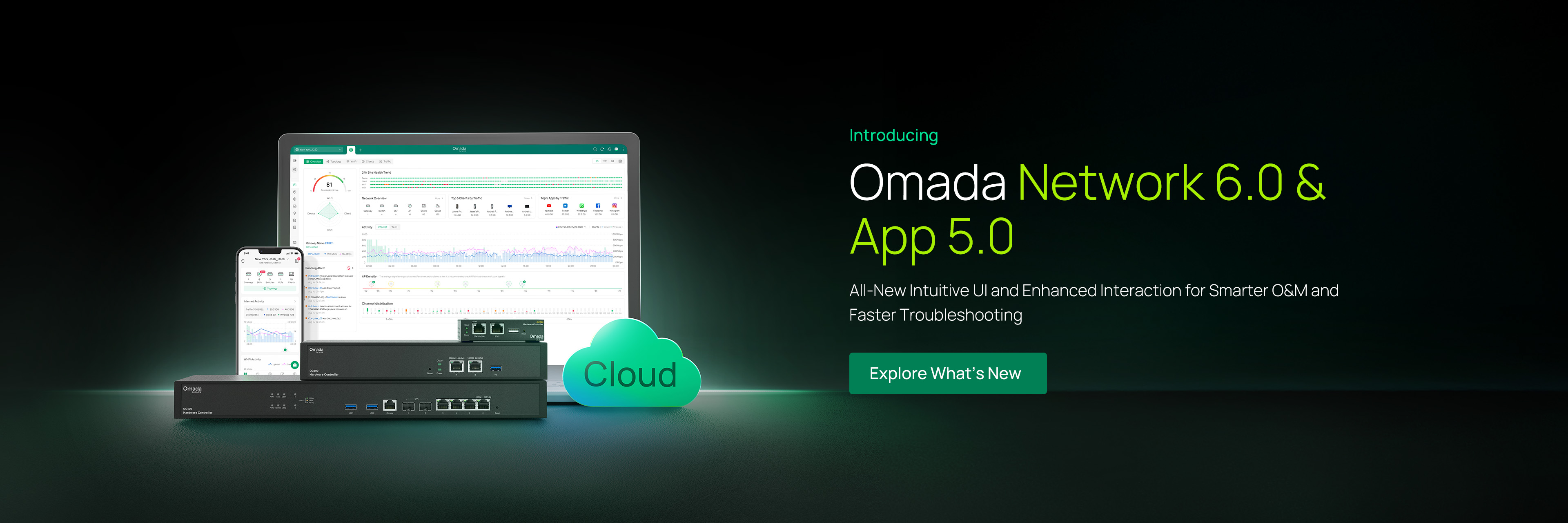
Introducing a redesigned five-tab layout — Overview, Topology, Wi-Fi*, Clients, and Traffic — delivering a more intuitive and structured monitoring experience. New visualizations, such as AP density and network activity heatmaps, provide deeper insights into deployment health and user behavior. With metrics now clearly organized and visible, IT teams can troubleshoot faster, monitor more effectively, and manage networks with greater accuracy.
Easier Monitoring with Multi-Level Network Health Scoring System
Health Monitoring (available only in the cloud-based controller) is a newly introduced feature designed to elevate your network visibility and operational efficiency. It automatically assesses the health of devices, clients, WLANs, and sites to detect potential problems in advance. With layered insights across Site, WAN/Wi-Fi, Device, and Client, you can detect problems from multiple perspectives and pinpoint them with precision for faster resolution and minimal downtime.
Optimized Smart Topology for Faster and More Accurate Fault Detection
Omada Network 6.0 upgrades smart topology with real-time visibility into VLAN and disconnected devices for quicker fault isolation. New, customizable filters enable you to tailor views, speeding up the discovery of problem devices and streamlining troubleshooting.Quicker Troubleshooting with Enhanced Client Recognition & Device Details
The redesigned device details page now integrates link topology visualization and a built in logs module, giving you a complete, at a glance view of each device’s health. These upgrades make it faster to spot connection changes, trace historical events, and pinpoint issues with greater precision, so you can troubleshoot more efficiently and keep your network running at its best.And now with wireless client auto-recognition, you can instantly identify each device’s type, brand, and model to streamline configuration and management. A redesigned client page now also offers disconnected client display, visualized activity timelines, and event tracking for full-lifecycle management. These upgrades make it easier than ever to monitor every client and trace issues with precision.
Streamlines Configuration with Three-Step VLAN Setup & Bulk Port Management Across Switches
Traditional VLAN configuration often becomes a bottleneck, especially in large or multi-device deployments. Omada Network 6.0 simplifies that with a standardized three-step process: Set Network Parameters, Bind Ports, and Apply Settings. No more guesswork, no more fragmented menus — just click and configure. The interface turns what used to be a complex, error-prone configuration into a smooth, guided experience that takes only minutes.With the new Port Settings module, switch port management becomes truly centralized, enabling cross-device bulk configuration and unified monitoring of every port. Smart tools like search and filtering help you pinpoint and manage ports instantly, keeping large scale operations efficient.
Dedicated Updates for Scenarios and New Technologies
- Dedicated RF scanning and real time spectral analysis for WiFi 7 APs deliver live RF insights to optimize performance and counter interference.
- Switch-enforced OUI-based VLANs and custom DHCP options for IP phones speed up VoIP rollouts with automated VLANs and tailored IP settings.
- Switch-based IGMP snooping for IPTVs keeps multicast streams smooth and efficient, even in high traffic environments.
- GRE tunnels on APs enable advanced segmentation and flexible topologies without extra gateways.